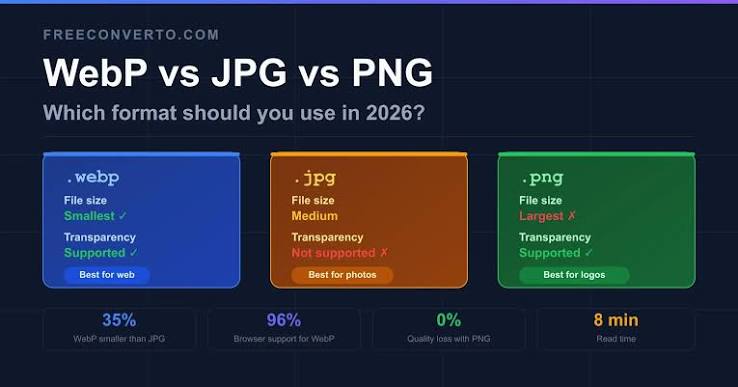
WebP JPG Or PNG Which Format Should You Pick
Format Choice Changes Everything
Picking the right container can cut your page weight roughly in half. The wrong one can make a sharp logo look dirty. Most people never think about it at all. A few simple rules cover nearly every case.
What JPG Does Well
JPG is still the safest choice for photographs. It handles millions of colours and smooth gradients gracefully. It is supported everywhere including very old software. The tradeoff is that it throws away some detail every time you save.
The JPG Weakness
JPG has no alpha channel so transparency is simply impossible. It also struggles with sharp edges and flat text. Logos and screenshots often show ugly blocks around letters. It recompresses on every save so repeated editing degrades the file.
Why WebP Wins On The Web
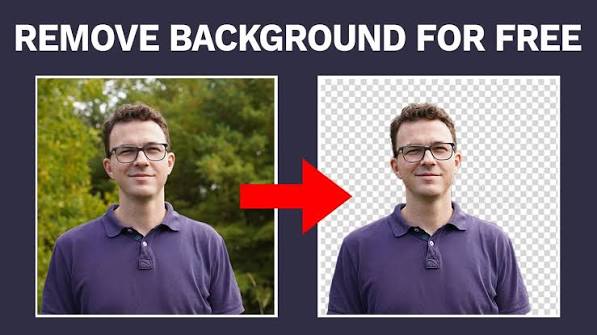
WebP gives you both lossy and lossless modes in a single format. It supports full transparency just like PNG does. Files are usually much smaller than the same picture stored as JPG. Modern browsers have supported it for years.
When To Choose PNG
Use PNG when every pixel absolutely must be exact. Screenshots diagrams and text heavy graphics belong here. Logos with transparency also need PNG. The price is a much larger file for photographic content.
Let The Tool Decide
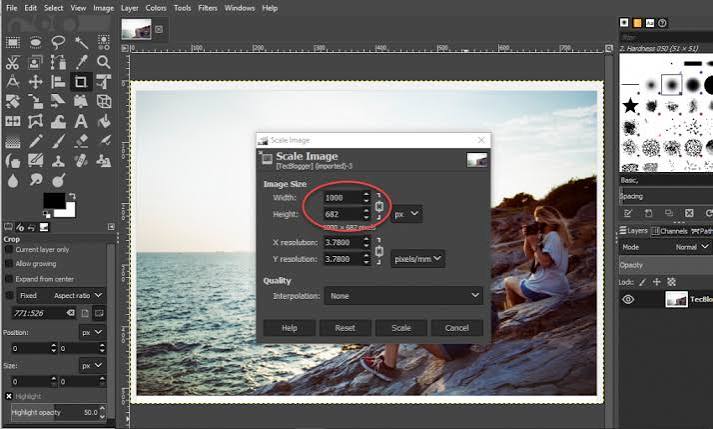
The format menu includes a keep original option. This leaves each file in whatever format it arrived in. It is the right choice when you only want to resize a mixed folder. Nothing is converted unnecessarily.
Convert In Bulk
Choose convert to WebP and every queued image changes format at once. The whole queue is processed with the same quality value. Then a single zip file downloads with all of the results. Renaming happens automatically in sequence.
Read The Size Feedback
The output panel shows the new size as soon as encoding finishes. Switch between formats and watch the number move. On a photograph WebP usually beats JPG by a wide margin. On flat artwork PNG may surprise you.
Mind The Matte Colour
Because JPG cannot store transparency the editor fills empty space with a colour. The default is white which suits most marketplaces. You can change it to black or to any brand colour. This prevents ugly black corners in your exports.
Quality Values That Work
For WebP a value near 80 is a good everyday setting. For JPG something around 82 keeps photographs looking clean. Raise it for images that contain lots of text. Lower it for thumbnails nobody will inspect closely.
Browser Support Notes
Every current version of Chrome Firefox Edge and Safari handles WebP. Very old email clients may still refuse to display it. When in doubt send JPG to clients and use WebP on your own site. The editor warns you if your browser lacks support.
A Simple Decision Table
A photograph for a website means WebP. A photograph for print or email means JPG. A logo or screenshot with transparency means PNG. A mixed folder that only needs resizing means keep original. Four rules and you are done.

Welcome to Image-editor — image-editor.gitapp.si. Here I share guides, articles and updates. Thanks for visiting!
Related Posts

Leave a Comment
No comments yet — be the first to comment!